


How it works
Add what you’re making.
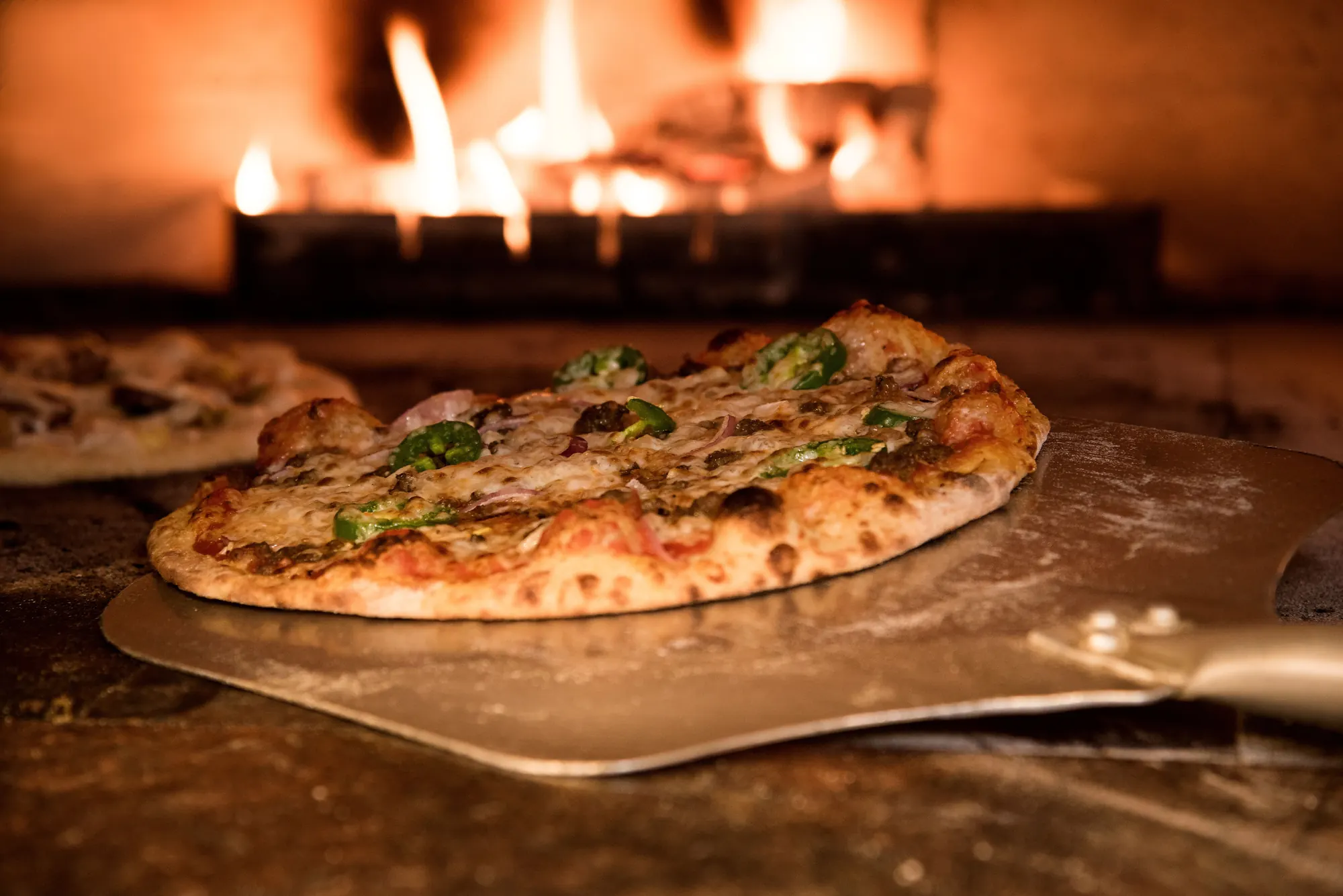
New drop
Saturday pizza night
- Margherita36
- Pepperoni24
- Garlic bread36
Pick when it opens.
Orders open
2d 04:12:09
Thursday, 7pm
Collect Saturday
- 9:00 – 10:00Full
- 10:00 – 11:006 left
- 11:00 – 12:0011 left
Share one link.
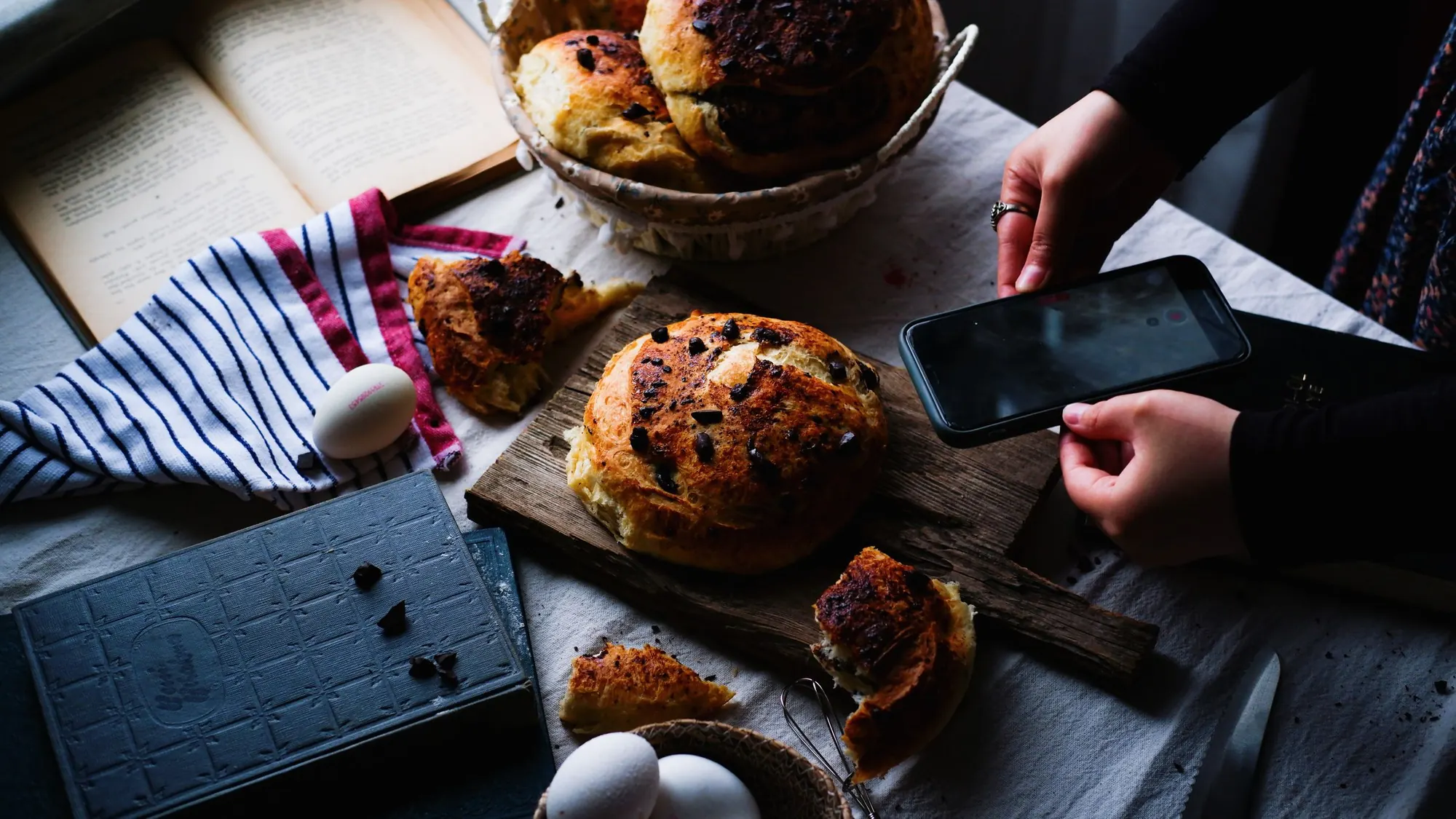
Your shop
Small batches. Saturdays.
yourshop.membber.comBioMake it. Hand it over.
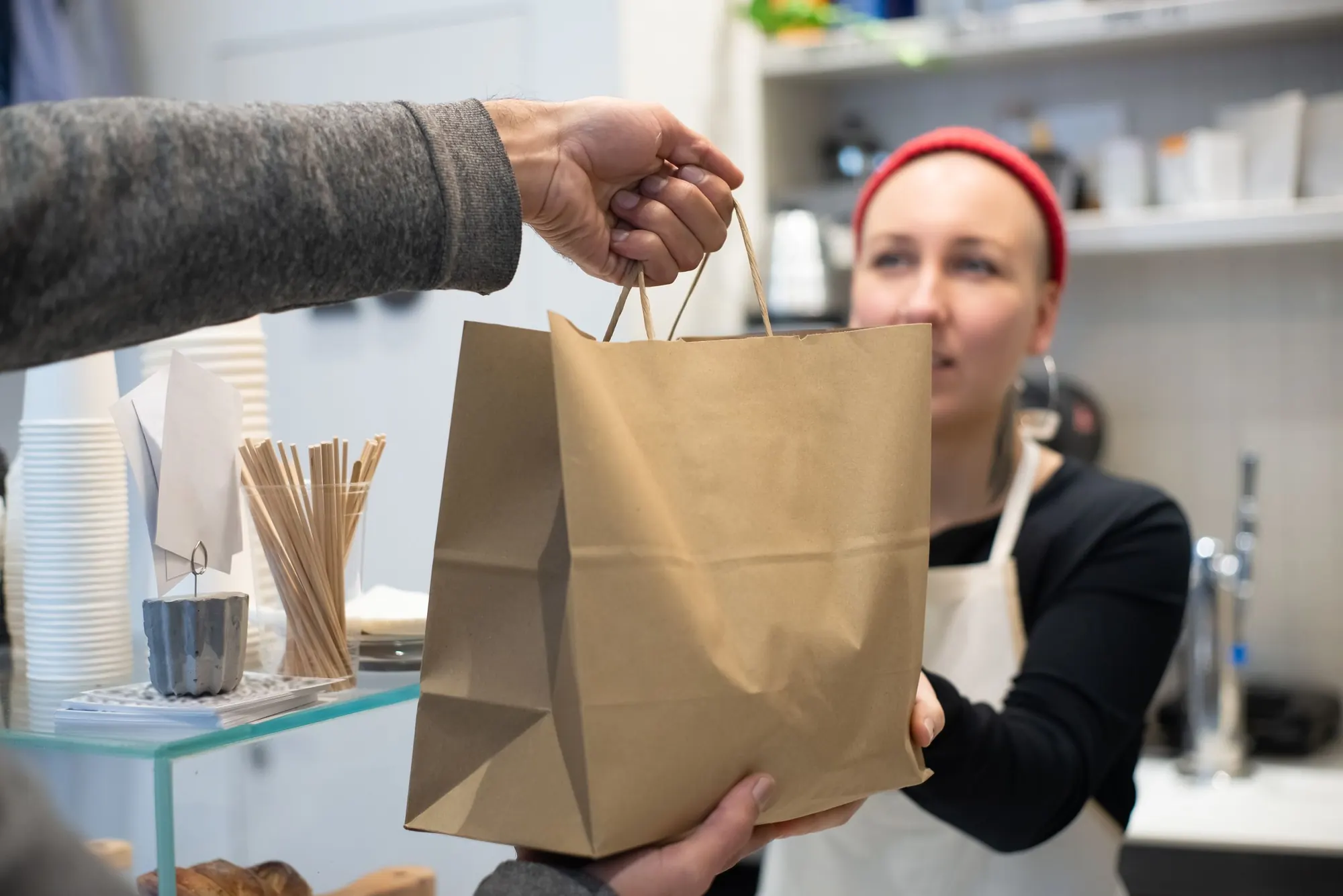
Saturday · in collection order
- 4F7K
9:00 Amara
2 pizzas
- Q2MP
9:15 Joe
1 pizza · garlic bread


No more
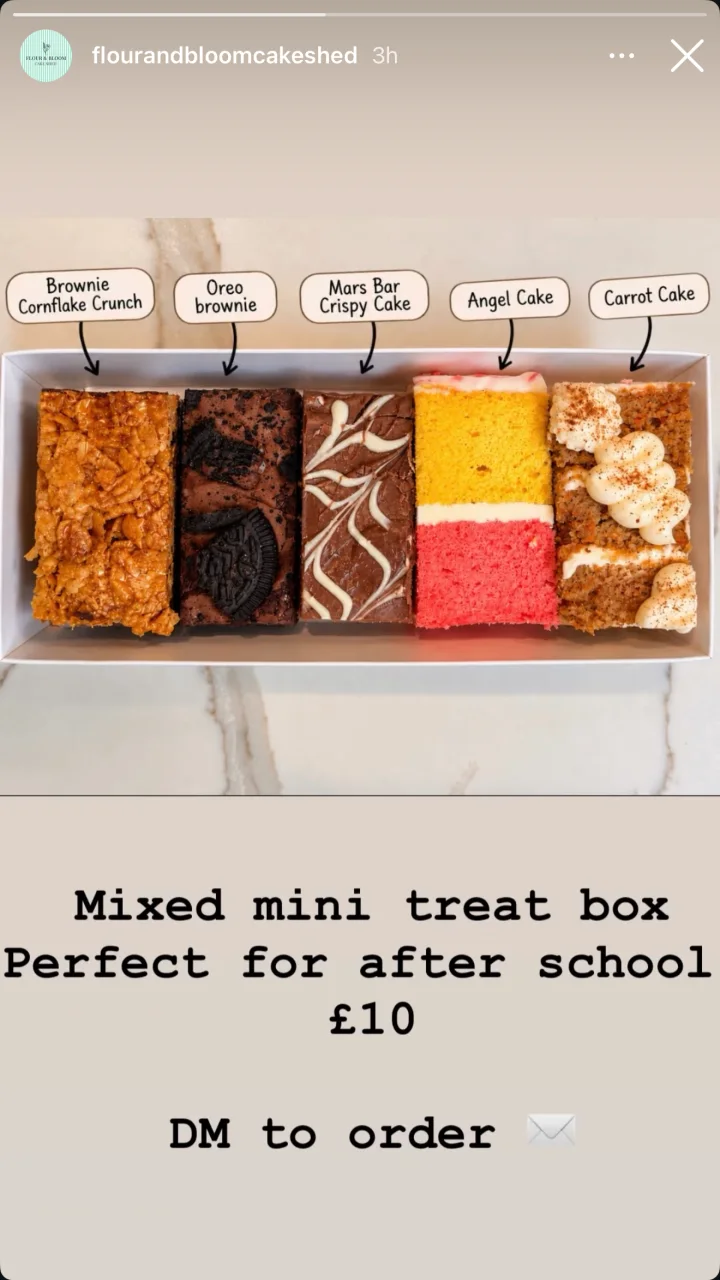
“DM to order.”
Before: Flour & Bloom's Instagram story for a mixed mini treat box, perfect for after school, £10, ending “DM to order”, and the messages a post like that brings: any left, can I get two for Friday, what time can I collect, can I pay when I pick up, did you see my message, and the shop replying sorry, all gone. With Drops: the same story with a link sticker, “Order here”, over “DM to order”.
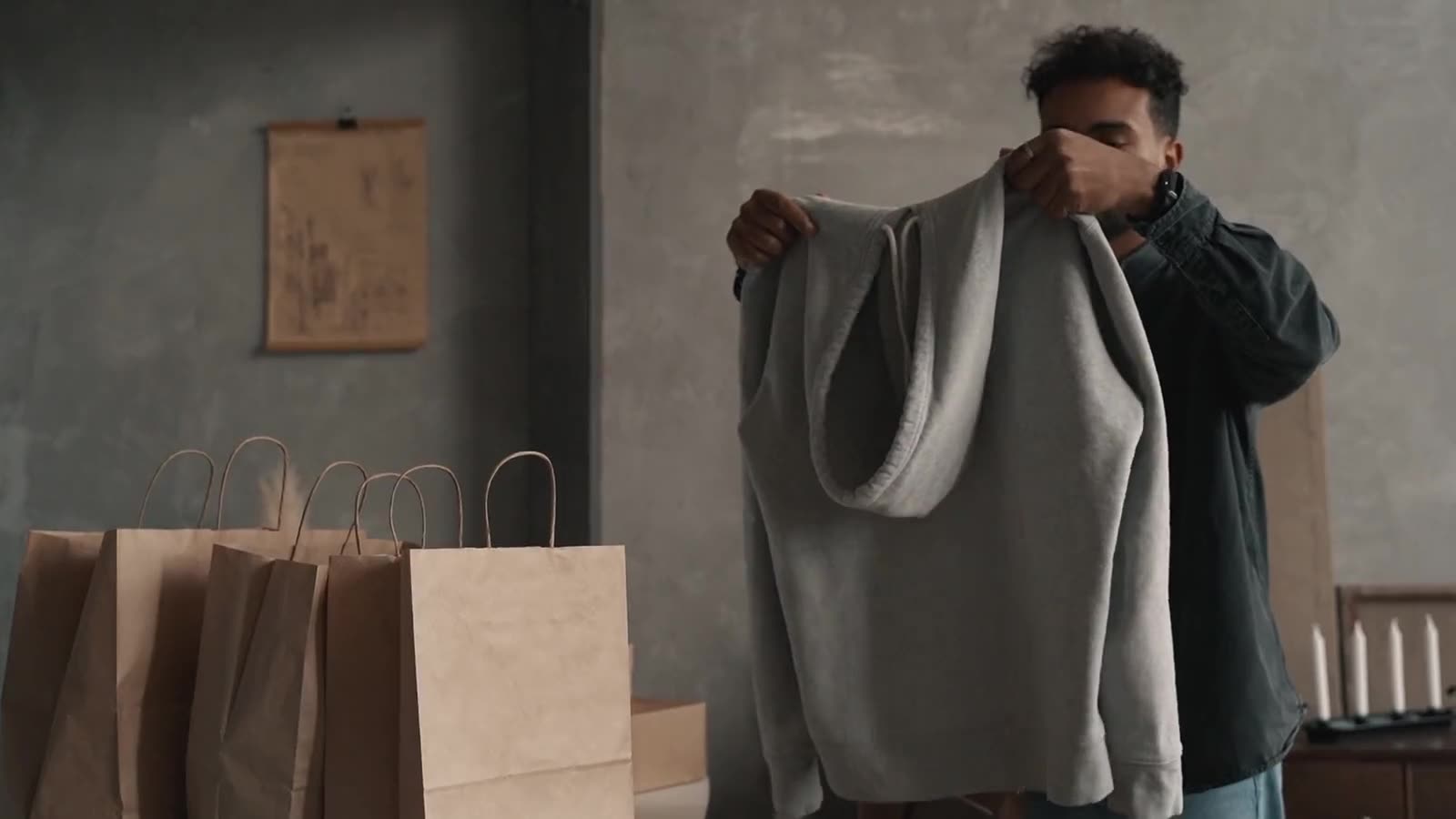
Made for Instagram
Post it.
Link in bio.
A few ideas
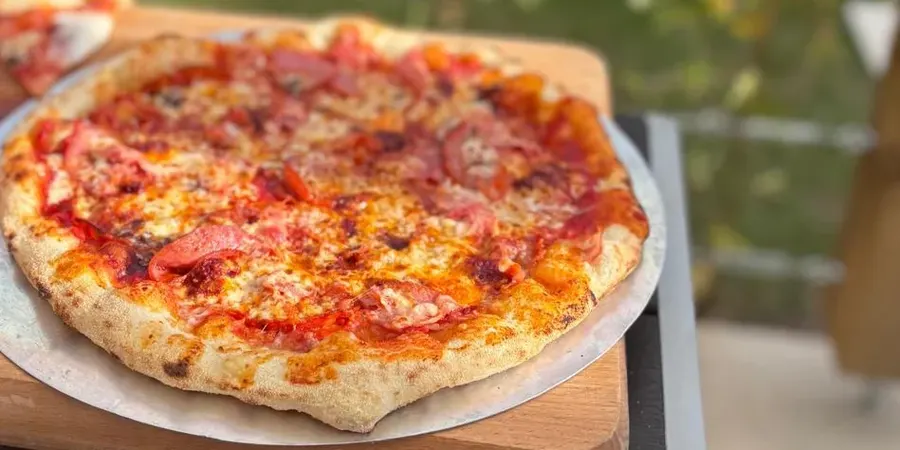
Mam! Ah'm 'ere! Pizzeria
Pizzeria · Withernsea
mamahmere.membber.com
Orders close in
03:12:47
Mam's Saturday Special
Collect Saturday · Seaside Road, Withernsea
- £12.50
Mam's Special
40 left
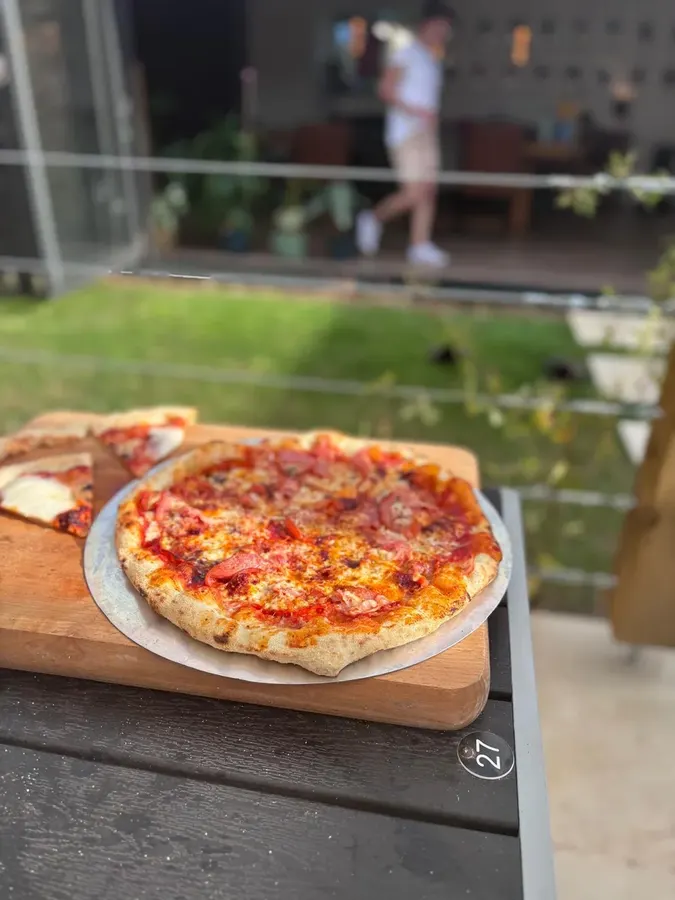 £10.00
Pepperoni
40 left
No guessing.
Nothing left over.
Pricing
£0 a month.
We never charge your shop.
Your shop pays
1.5% + 20p
Stripe's usual card fee.
Your customer pays
5%
Booking fee, on top of your price.
Mam! Ah'm 'ere! Pizzeria
Saturday drop
Your shop
Stripe's UK card rate. Cards from abroad cost more.
Whatever you make.




Questions, answered.
What does it cost me?
Nothing to us. No plan, no monthly fee. You pay Stripe's card fee. Customers pay a 5% booking fee.
Do I need a website?
No. If you can post on Instagram, you can run a drop.
When do I get paid?
On Stripe's schedule. Card payments go straight into your own Stripe account, then your bank.
How do I build my list?
Followers sign up on your drops page and hear about every new drop.
Do my customers need an app?
No. They tap your link and order in their browser.
Can it oversell?
No. Stock is held the moment it goes in a basket.
What if nobody turns up?
You keep the money on card orders. They're paid up front.
Can I sell recipes or videos?
Yes. Add a PDF or a video. Customers pay and get it by email straight away.
What else does it do?
A printable prep list, promo codes and gift cards.